- Turn on the TV.
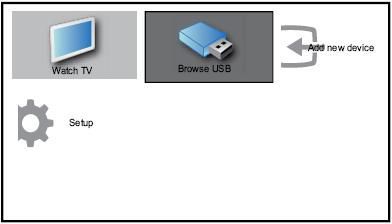
- Connect the USB device to the USB port on the side of your TV then the home menu appears.(see image below)
- Press [Up][Down][Left][Right] to select [Browse USB].
- Press [OK] to confirm then the USB thumbnail browser appears.
How to browse photos stored in a USB storage device on my Philips TV?
Published on 24 June 2026