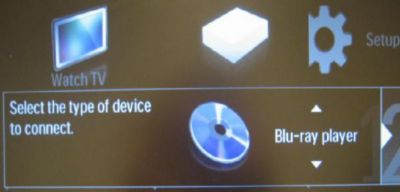
Please follow the steps below:
How to find the new DVD player that I added in the device list in Philips TV?
Published on 24 June 2026
1. Press the [Menu], then the Menu screen pop up
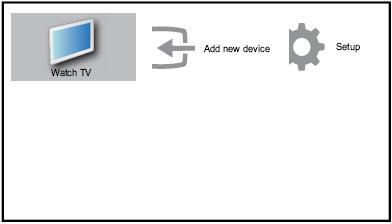
2. Press the [Right] to select [Add new device] this item
![the [Add new device] button](https://images.philips.com/is/image/philipsconsumer/d6dd9423d6724f2ebd80b4700025e669)
3.The option "Blu-Ray player" can also refer to a DVD player